Your HVAC AI Assistant, Ready 24/7.
When your technicians are on the job and your team is busy, Ginnie can help handle the customer conversations.
Ginnie helps HVAC businesses answer customer inquiries, collect service information, support appointment requests, answer approved questions, and keep leads moving when the team is unavailable.
Ginnie · HVAC Assistant
Supporting your team · (219) 419-3311
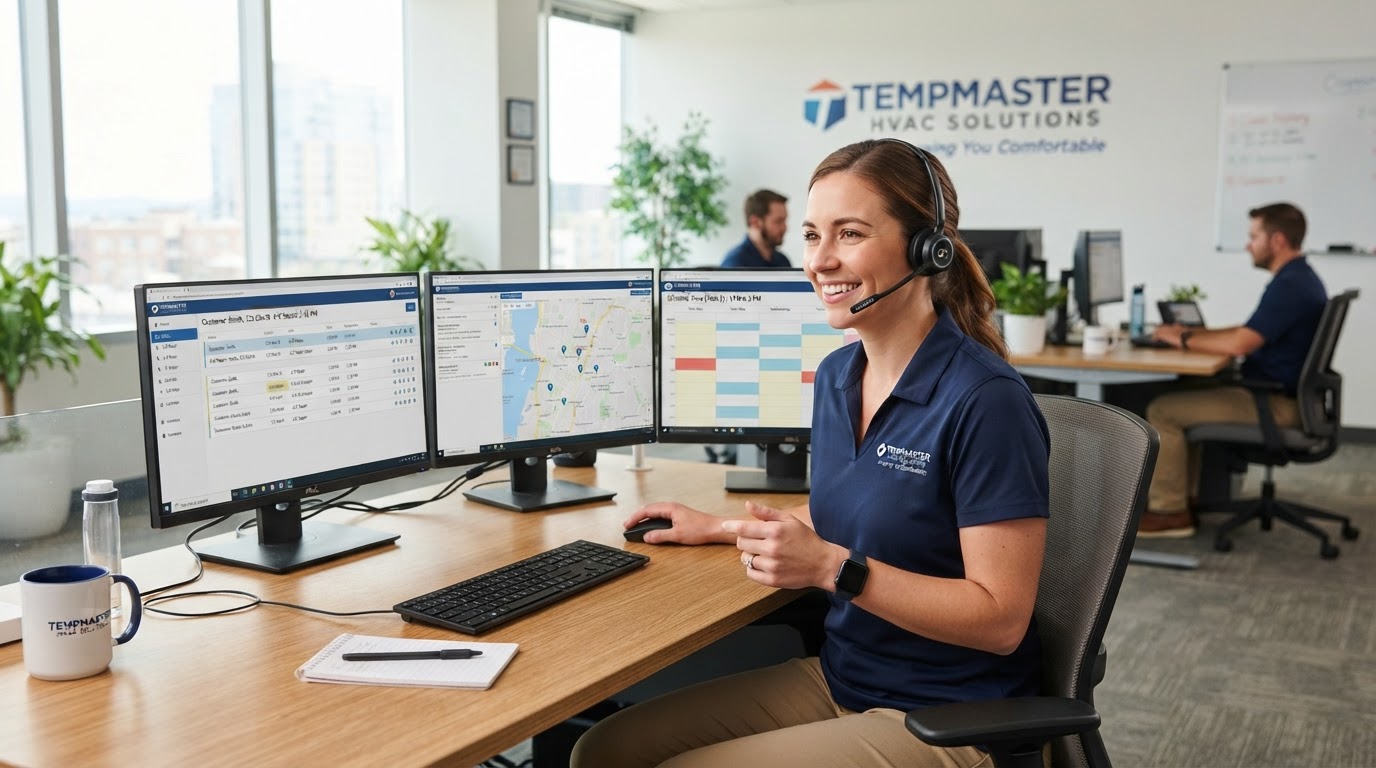
A busy HVAC office is normal
Ginnie adds another layer of support when the team can't get to the phone.
HVAC Teams Are Busy. Customer Calls Don't Always Wait.
Your technicians are working. Your office team is helping customers. Phones can ring while everyone is already handling something else.
Technicians are on the job
Your team is out helping customers instead of sitting by the phone.
The office is busy
Multiple customers can need help at the same time.
After hours
Customers may still need information after the office closes.
Follow-up gets missed
Busy days can make it harder to follow up with every inquiry.
Ginnie helps provide an extra layer of support.
Built Around the Calls HVAC Companies Actually Get.
Ginnie can be configured to support the everyday conversations your HVAC business handles.
Service Requests
Help collect information about the customer's HVAC issue and service needs.
AC Not Cooling
Help customers explain their issue and guide the conversation toward the appropriate next step.
Maintenance Requests
Support routine maintenance inquiries and appointment requests.
Estimate Inquiries
Collect initial information from customers interested in HVAC services or estimates.
Appointment Support
Help customers with appointment requests, scheduling, rescheduling, or cancellations according to your setup.
After-Hours Inquiries
Provide support when your HVAC office is closed or the team is unavailable.
From Customer Call to Customer Opportunity.
Ginnie can help support the customer journey from the first conversation through the next step.
Customer Discovers Your Business
- Website
- Social Media
- Advertising
- Referral
Customer Contacts Your Business
- Phone Call
- Website Form
- Text Message
- Chat
Ginnie Helps Respond
- Answers Questions
- Captures Information
- Identifies Service Need
- Collects Contact Details
Lead Is Qualified
- Service Needed
- Customer Information
- Location
- Timing
- Appointment Interest
Next Step
- Appointment Request
- Human Follow-Up
- Call Routing
- Lead Notification
- Configured Workflow
Follow-Up
- SMS
- Appointment Reminder
- Lead Follow-Up
- Reactivation
Ginnie helps your HVAC business stay connected throughout the customer journey.
See How a Lead Moves Through Ginnie.
A sample workflow showing how an incoming inquiry becomes a captured opportunity.
Customer
John Smith
Request
AC Not Cooling
Location
Customer Address
Source
Website / Google / Phone
Status
New HVAC Lead
Next Step
Appointment Requested
Timeline
- 1
10:42 AM
Customer contacted business
- 2
10:43 AM
Ginnie captured service information
- 3
10:44 AM
Appointment opportunity identified
- 4
10:45 AM
Team notified
Sample workflow. Example shown for illustration. Actual workflows vary by business configuration.
One Ginnie. Multiple HVAC Roles.
Your HVAC Ginnie can be configured to support different parts of the customer journey.
AI Front Desk Assistant
Answer calls, provide approved information, and guide customers to the next step.
AI Service Intake Assistant
Collect the information your team needs to understand the customer's request.
AI Appointment Assistant
Help customers move toward an appointment according to your schedule and rules.
AI Lead Qualification Assistant
Help organize and qualify incoming opportunities.
AI After-Hours Assistant
Support customers when your HVAC office is closed.
AI Overflow Assistant
Step in when your team is busy or on another call.
AI Follow-Up Assistant
Help keep customer conversations moving after the initial inquiry.
AI Customer Care Assistant
Handle routine customer questions using your approved information.
AI Routing Assistant
Help identify where a conversation should go and route it per your rules.
See How Ginnie Handles an HVAC Call.
Here's an example of how a customer conversation can move from an initial call to a service opportunity.
What Ginnie Captured
Sample conversation. Actual Ginnie conversations depend on business configuration.
Ginnie Supports Your HVAC Team. She Doesn't Replace It.
Your technicians should be focused on the job. Your office team should be able to focus on customers and operations. Ginnie provides another layer of support when the team is busy.
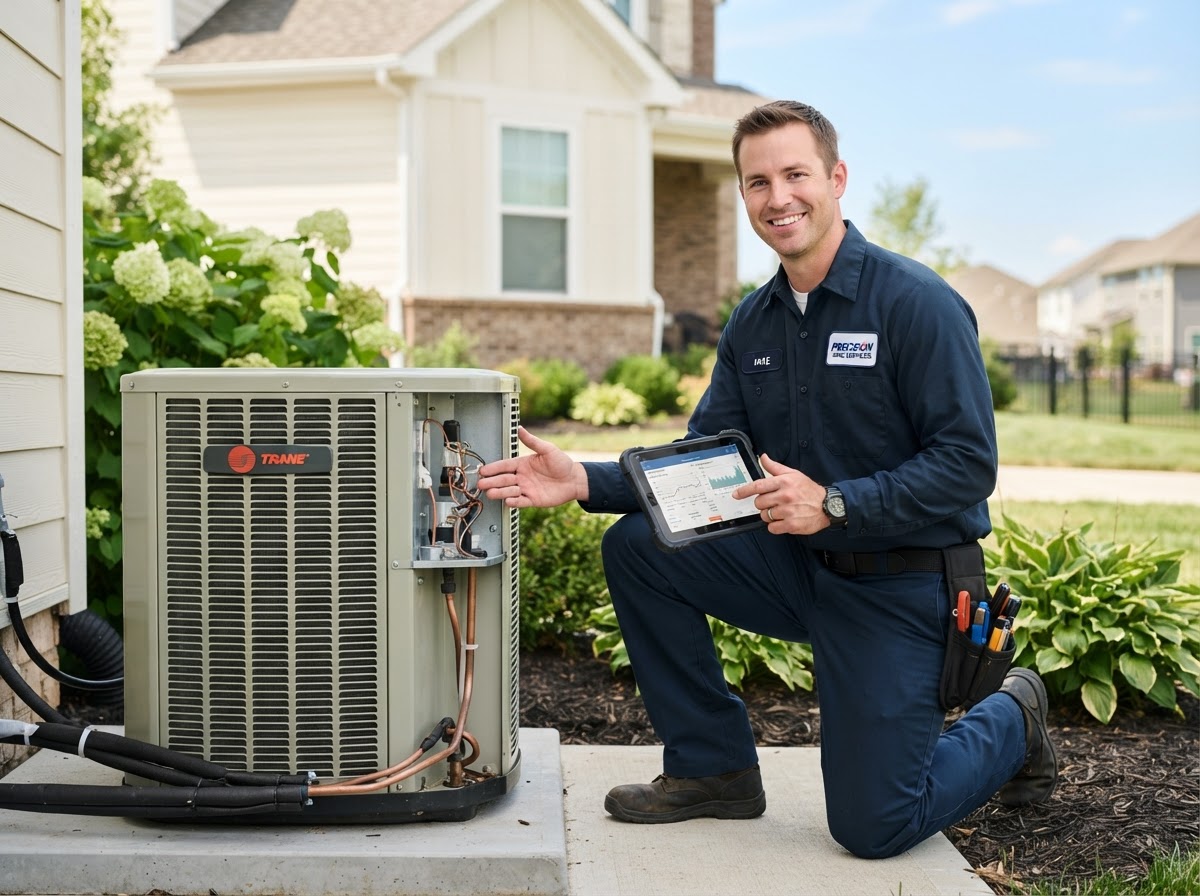
Your technicians, focused on the job
Ginnie handles the calls while they're in the field.
Ginnie handles the conversation
- When technicians are on-site
- When the office is helping another customer
- When calls come in after hours
- When follow-up needs extra support
Help Customers Move From Inquiry to Next Step.
Customer Reaches Out
Phone, website, text, or other configured channel.
Ginnie Responds
Ginnie starts the conversation.
Information Is Collected
Service needs and relevant customer information.
Next Step Is Supported
Appointment request, routing, human follow-up, or configured action.
Team Stays Informed
The HVAC team receives the appropriate information per the configured workflow.
More Support Without Adding Another Shift.
24/7 Support
Help customers even when your team is unavailable.
Faster Response
Start customer conversations without making them wait for someone to become available.
Better Lead Capture
Collect important information from incoming inquiries.
Less Routine Work
Let Ginnie help with repetitive conversations and requests.
HVAC Tips for Homeowners
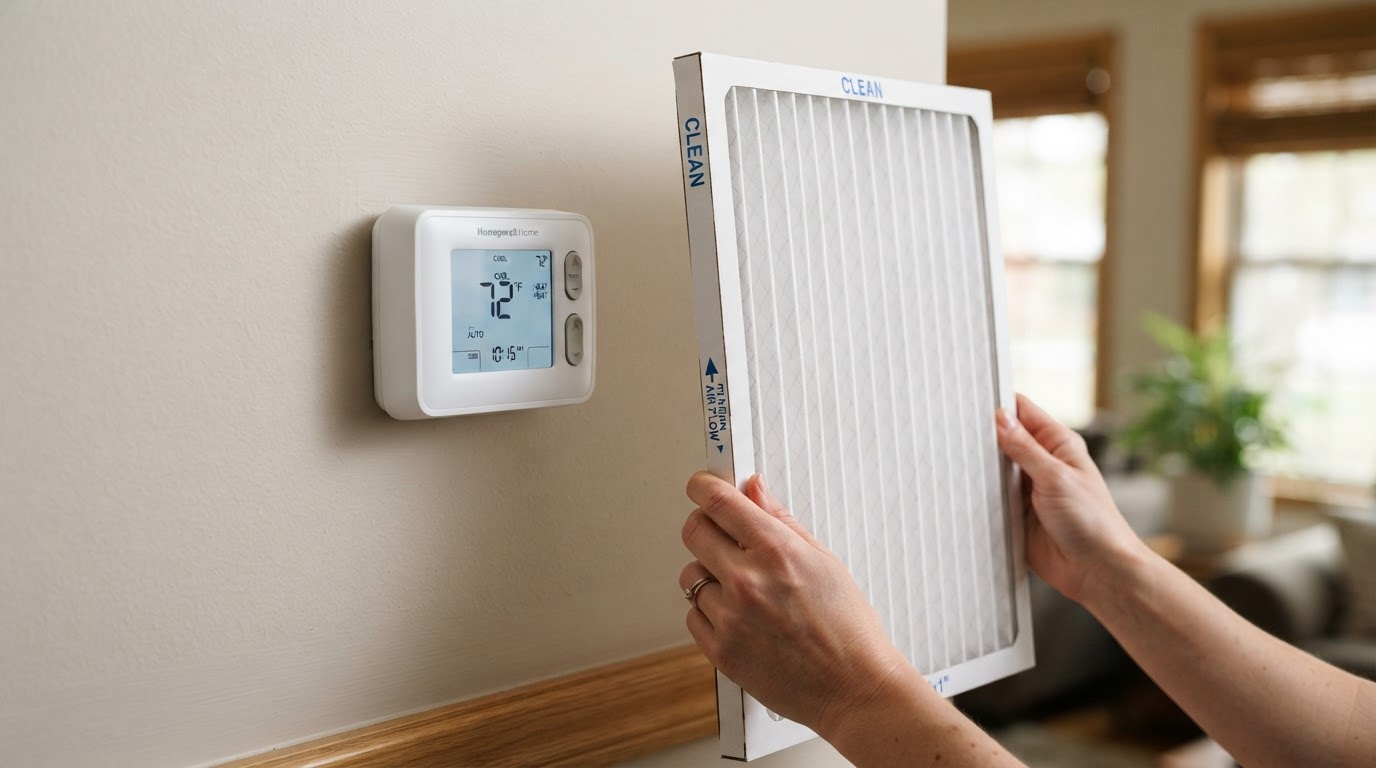
Your air conditioner can stop cooling properly for several reasons. Before calling for service, there are a few basic things you can check.
1. Check the thermostat
Make sure the thermostat is set to cooling mode and the temperature is set below the current room temperature.
2. Check the air filter
A dirty filter can restrict airflow and make it harder for your system to cool your home properly.
3. Check the airflow
Make sure supply vents are open and not blocked by furniture or other objects.
4. Check the outdoor unit
If the outdoor unit is not running, there may be an electrical, mechanical, or system issue that requires professional attention.
5. Know when to call a professional
If the system still isn't cooling, unusual sounds or smells are present, or you are unsure what is wrong, contact a qualified HVAC professional.
Need help contacting your HVAC company? Ginnie can help customers start the conversation, provide information, and support the next step according to the business setup.
Talk to GinnieHVAC Ginnie FAQs
Give Your HVAC Team an Extra Hand.
Let Ginnie help with customer conversations when your team is busy, unavailable, or off the clock.
Powered by Ginnie AI. A DFA Marketing solution.