Never Miss Another HVAC Call
When your technicians are on a roof or in a crawlspace, who's answering the phone? Here's how a properly configured AI assistant helps HVAC businesses capture every call, qualify every lead, and keep the calendar full.
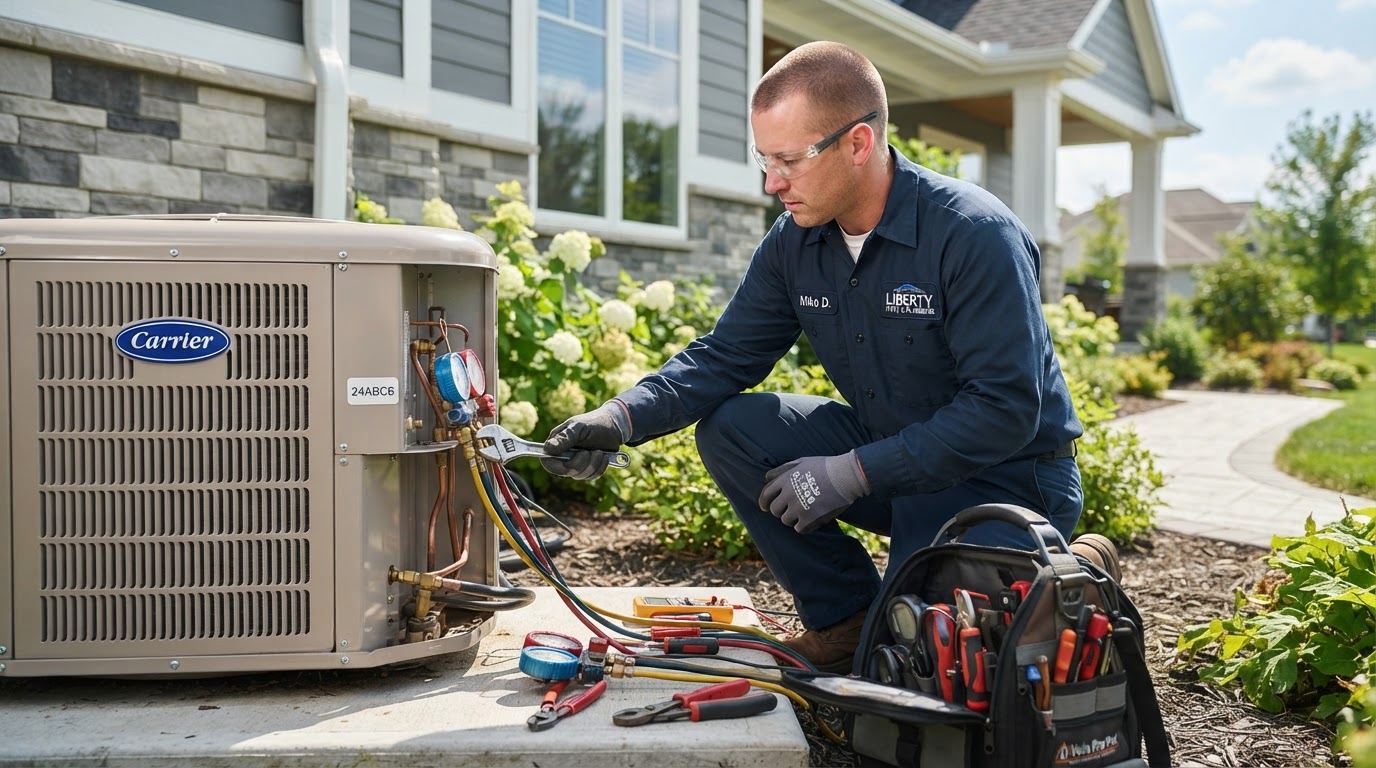
If you run an HVAC business, you already know the problem. Your best technician is up on a roof repairing a condenser unit, gloves on, hands full, and the office phone starts ringing. It's a new customer with a cooling emergency who just pulled your number off a Google search. That call goes to voicemail — and the homeowner immediately dials the next company on the list.
Missed calls in HVAC aren't just a customer-service issue. They're a revenue issue. Every unanswered ring during a busy service day, every inquiry that lands in voicemail after 5 PM, every lead that goes cold because nobody followed up — that's work walking out the door and straight to a competitor who picked up.
This article walks through how a properly configured AI assistant like Ginnie AI can help your HVAC business capture more of those opportunities without adding payroll, what to look for before you buy, and the honest limits of what AI can and can't do in a field-service business.
Why missed calls matter to HVAC businesses
HVAC is a needs-now business. When a homeowner's AC dies in July, they don't shop around patiently — they call until someone answers. The first contractor to pick up the phone wins a disproportionate share of emergency calls. The second call rarely comes.
The problem is that the people who'd answer that call are the same people doing the work. A two-truck operation can't have someone sitting by the phone while both technicians are on calls. A growing shop may have an office manager juggling dispatch, parts ordering, and customer questions all at once. The busier you get, the more calls you miss — and the more calls you miss, the harder it is to keep growing.
Then there's after-hours. Heating emergencies don't respect business hours. A furnace failing at 10 PM in January is every bit as urgent to the homeowner as a daytime breakdown — but if your phone goes to voicemail, that lead is gone by morning.
What to look for in HVAC call-handling AI
Not every AI answering service is built for a field-service business. Before you consider one, here's what actually matters for an HVAC operation:
- Call handling: Does it answer every call instantly, 24/7, and never let one ring out?
- Lead capture: Does it collect the caller's name, address, phone number, and a description of the problem so your dispatcher has what they need?
- Business-specific knowledge: Can you configure it with your actual services, service areas, business hours, and emergency dispatch fees — not just a generic script?
- Appointment support: Can it support booking, rescheduling, and reminders where you've set it up, and route emergencies to the right person immediately?
- Escalation: Does it know how to flag a genuine emergency and alert you immediately instead of taking a message?
- Follow-up: Can it help with reminders and consistent follow-up so appointments don't fall through the cracks?
- Integration: Does it connect to your calendar and CRM so captured leads don't disappear into a separate system you have to check?
How AI supports customer inquiries and lead capture
A properly configured Ginnie AI assistant doesn't just pick up the phone. It captures the opportunity. When a homeowner calls, Ginnie can answer immediately, ask the right questions to understand the request, provide approved information about your services and service area, and capture the caller's details so your team can follow up — all within the boundaries you set.
The key word is configured. Ginnie uses the business information you provide. You define what it may answer (your service areas, your hours, your standard diagnostic fee), what it must escalate (a no-heat call in winter, a gas smell concern), and how it routes conversations that need a human. It's not improvising pricing or promising same-day service you can't deliver. It's applying your rules consistently, on every call, without getting busy or distracted.
That's the difference between an AI that answers and an AI that supports your business. The first says hello and takes a message. The second captures the lead, keeps the customer engaged, and makes sure the right conversation reaches the right person.
Appointment coordination and follow-up
Capturing the lead is only half the job. The other half is converting it into a booked appointment — and keeping that appointment. This is where many HVAC shops lose opportunities even after the call was answered.
Where configured, Ginnie can support appointment scheduling, rescheduling, and reminders. A customer who books a tune-up gets a reminder so they don't no-show. A reschedule request gets handled without three rounds of phone tag. A follow-up that should happen in two days actually happens in two days, because it's not relying on someone remembering between service calls.
Consistency is the whole game. Your technicians don't forget to show up — but the front-desk follow-up is the first thing that slips when the day gets busy. An AI assistant doesn't get busy, doesn't deprioritize the reminder, and doesn't let a captured lead go cold because nobody circled back.
A practical HVAC scenario
Picture a real Tuesday in July. Your lead technician is forty minutes into a compressor replacement on a rooftop unit, tools out, system open. A homeowner three miles away calls your office — their AC just stopped and the house is at 86 degrees.
Here's how it plays out without help: the call rings out, the homeowner leaves no message, and they're on the phone with the next HVAC company in under ninety seconds. You lost a $400 emergency service call because your technician was doing the work you pay them to do.
Here's how it plays out with a properly configured assistant: Ginnie answers immediately, confirms it's a cooling emergency in your service area, lets the homeowner know a technician is available and explains your standard emergency dispatch fee, captures the name, address, and callback number, and routes the lead to your dispatcher with a note that it's urgent. Your technician finishes the compressor job, checks the alert, and calls the homeowner back to schedule. The job that would have gone to a competitor is now on your calendar.
That's the value: not replacing your technician's judgment, but making sure the opportunity reaches them instead of disappearing into voicemail.
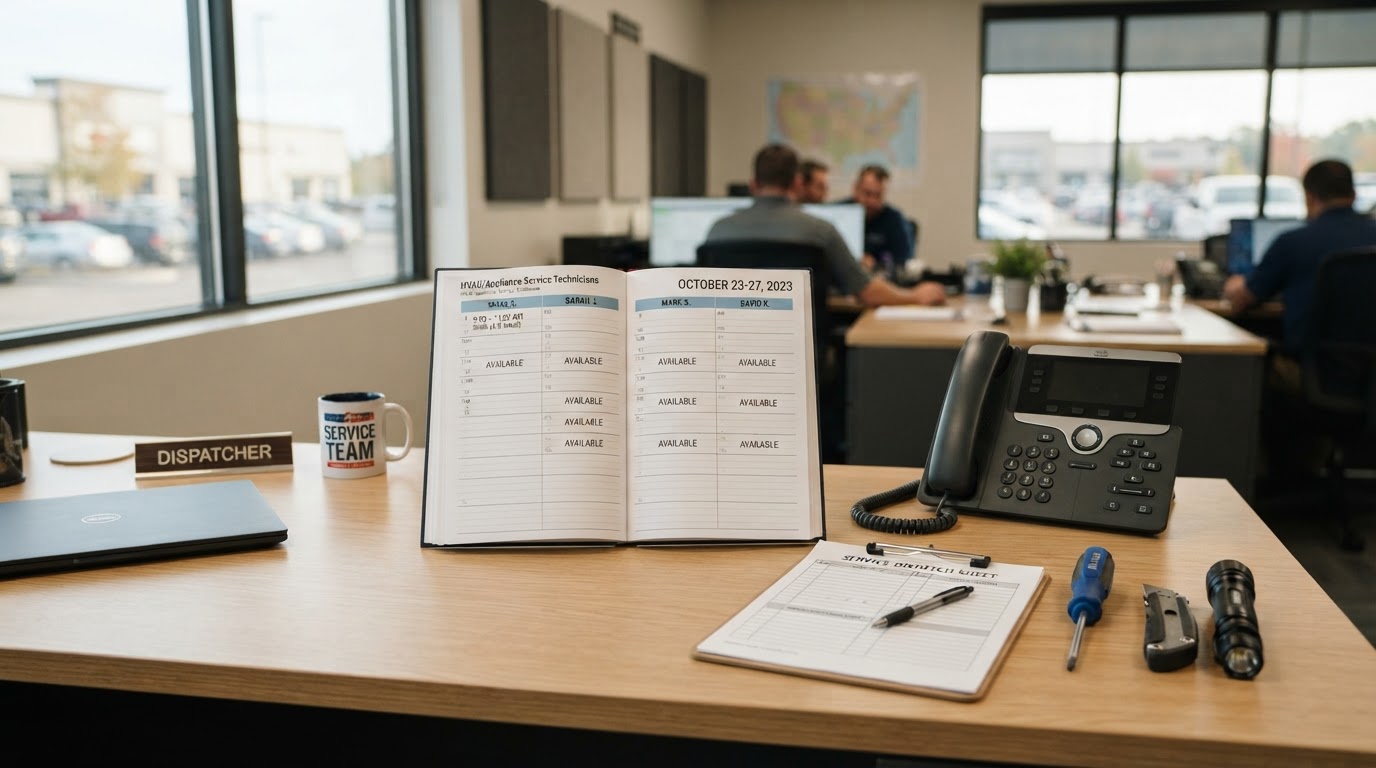
The empty service-window concept
Look at your technician's calendar for next week. If you see open slots — an unscheduled hour here, a half-day gap there — that's not a crisis. It's capacity. Empty service windows are potential revenue sitting unused, and the difference between a full calendar and a sparse one often isn't demand. It's whether every inquiry that could have filled those slots was actually answered and followed up with.
AI support doesn't create demand for HVAC. It helps you capture the demand that's already trying to reach you — the after-hours calls, the lunchtime inquiries, the second-call homeowners who would have booked with you if someone had just picked up. Better inquiry handling and timely follow-up may help you fill appointments that otherwise sit empty.
The honest version: Ginnie AI won't automatically dispatch technicians, diagnose equipment over the phone, guarantee bookings, or fill every open slot. What it can do is make sure the calls that could fill those slots don't disappear unanswered — and that the leads you do capture get followed up consistently enough to actually convert.
Questions to ask before buying any HVAC AI solution
Whether you're evaluating Ginnie AI or any other tool, here's a practical checklist for an HVAC operation:
- Does it answer every call, including after-hours and when my team is on another line?
- Can I configure it with my actual services, service areas, and emergency dispatch fees — not a generic HVAC script?
- Does it capture the lead details my dispatcher needs (name, address, callback, problem description)?
- How does it handle emergencies — does it alert me immediately, or just take a message?
- Does it integrate with my calendar and CRM, or does it create a separate system I have to check?
- What does follow-up look like — can it send reminders and keep leads warm when my team is busy?
- What are the total costs, setup fees, and who updates the knowledge base when my services change?
Is Ginnie AI right for your HVAC business?
The honest way to decide is to work backwards from the problem. If your technicians are in the field while calls go unanswered, if after-hours inquiries hit voicemail, if captured leads go cold because nobody has time to follow up, and if your service calendar has open slots that better inquiry handling could fill — then AI support is worth exploring. If you're already capturing every call and following up on every lead, it may not be the right fit yet.
The best way to know is to experience it. Try the live demo, see how Ginnie handles a real HVAC customer conversation, and review the plans to understand the investment before you commit. You don't need to guess whether it fits your business — you can see it work first.
Frequently asked questions
Can Ginnie AI dispatch my HVAC technicians automatically?+
No. Ginnie captures the inquiry, provides approved information, and routes the lead to your dispatcher with the details they need to schedule. The dispatch decision — who goes where and when — stays with your team. Ginnie supports the conversation, not the dispatch.
Does Ginnie AI replace my office manager or dispatcher?+
No. Ginnie handles repetitive call handling and lead capture so your office manager can focus on dispatching, parts, and customer relationships. It increases capacity without replacing people.
Can Ginnie answer questions specific to my HVAC business?+
Yes. Ginnie uses the approved business information you configure — your services, service areas, hours, and fees. You define what it may answer and what it must escalate to a human.
What happens to after-hours emergency calls?+
Where configured, Ginnie can answer immediately, capture the emergency details, and alert the right person right away so a no-heat or no-AC call doesn't sit in voicemail until morning.
Does Ginnie AI guarantee more HVAC leads or revenue?+
No tool can guarantee results. Ginnie helps you capture more of the opportunities already trying to reach you by answering faster, following up consistently, and reducing missed calls during your busiest times.
Can I try Ginnie AI before buying?+
Yes. You can experience Ginnie live on the See Ginnie in Action page and review HVAC plans and pricing before committing.
A note from DFA Marketing: This article is general business guidance, not a guarantee of results. Your outcomes depend on your business, your configuration, your leads, and how you use the tools. We share what we've observed honestly — including the limitations.